HOW TO APPLY
How to Apply Your Nano-Coating Screen Protector
Thank you for your purchase. Follow the video and the six steps below.
 Video coming soon
What's in the box
 Accessory pouch
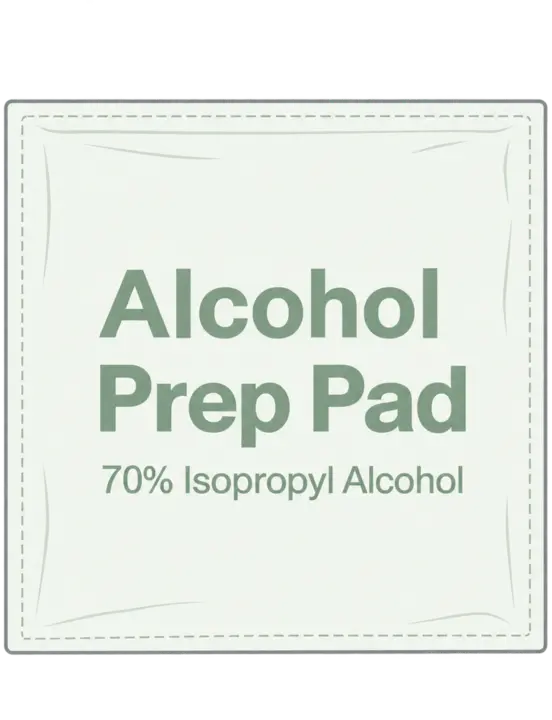 Alcohol prep pad
 Dry cloth
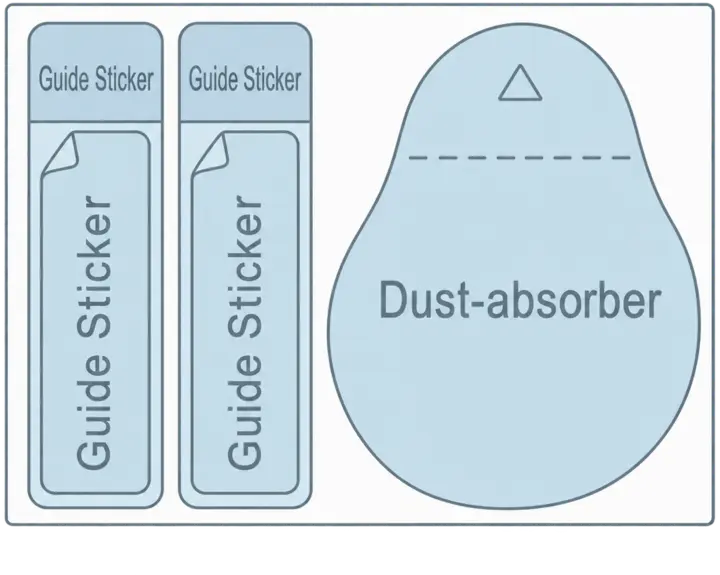 Dust absorber & guide stickers
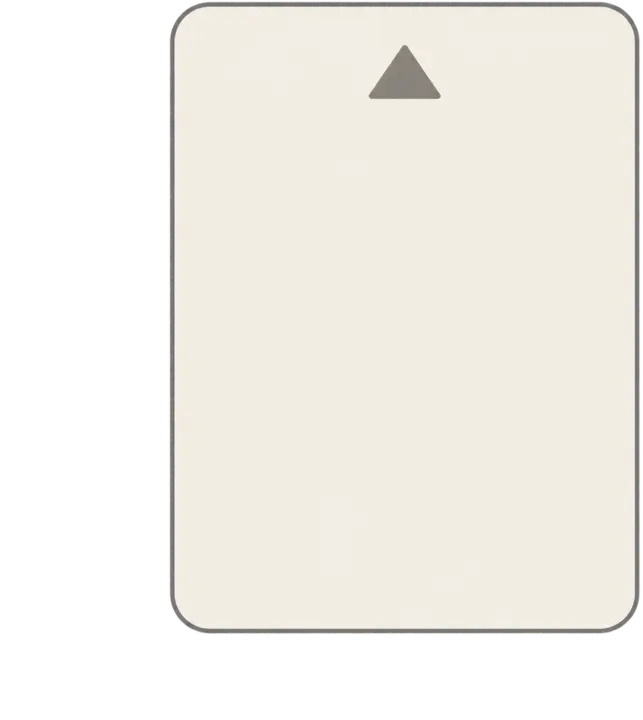 Squeegee card
6 steps
-
STEP 01 / 06
Clean the screen
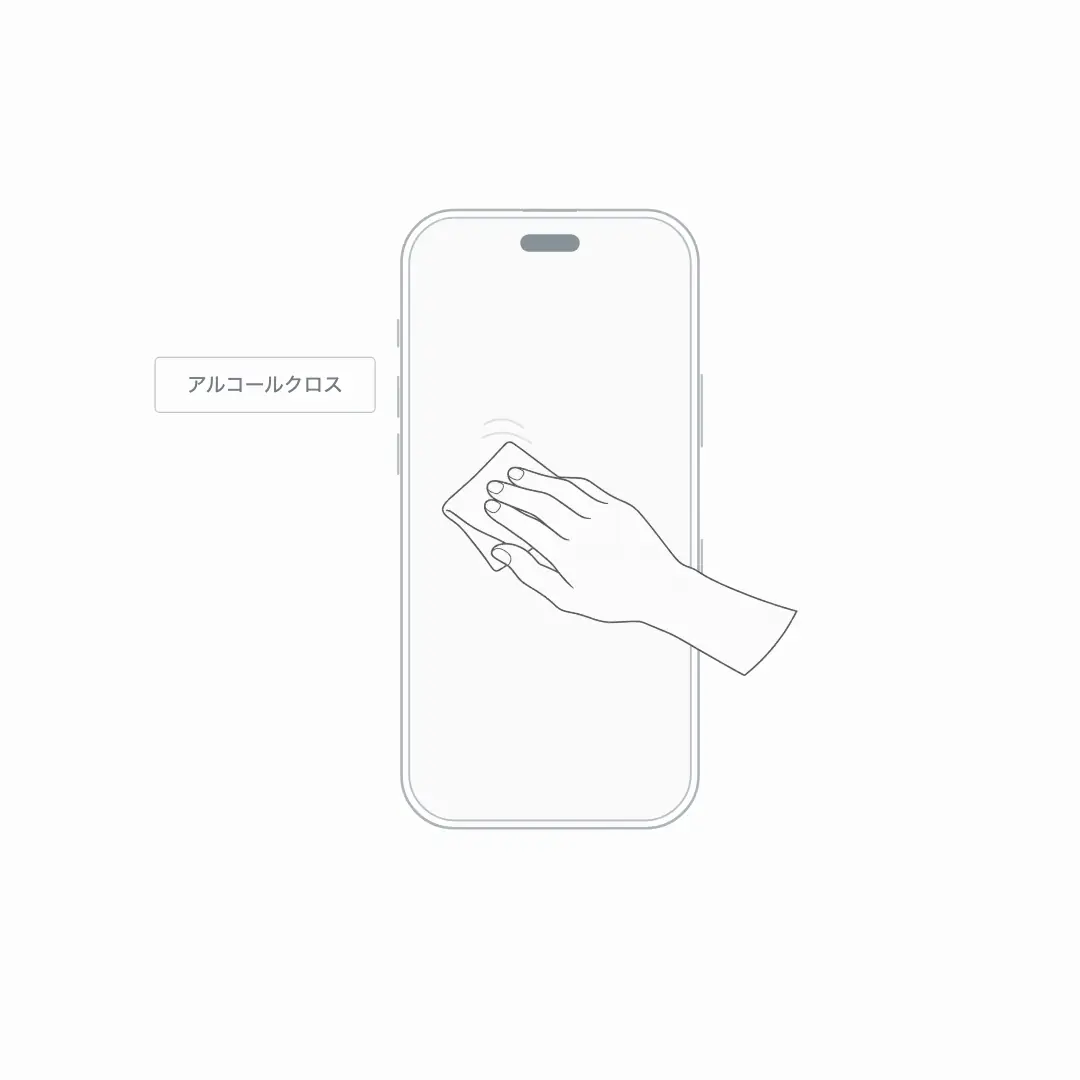
Turn off your phone. Gently wipe the screen with the included alcohol prep pad, then wipe away moisture and smudges with the included dry cloth.
Tip: No cleaning is needed if your phone is brand new.
-
STEP 02 / 06
Remove dust
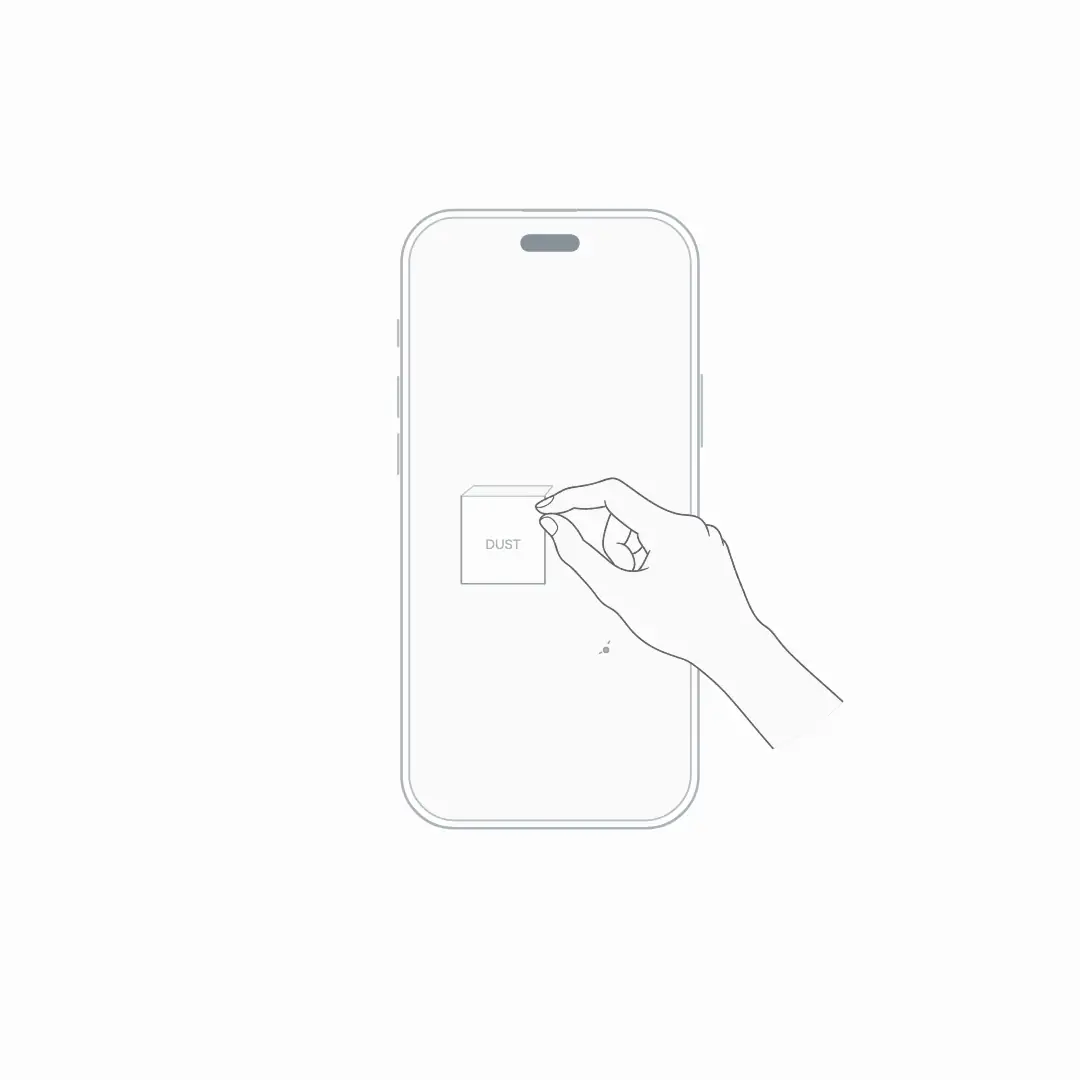
Right after cleaning, use the dust absorber to lift any dust off the screen.
Tip: Work in a clean, draft-free spot, away from air conditioners and fans.
-
STEP 03 / 06
Peel off the adhesive-side liner
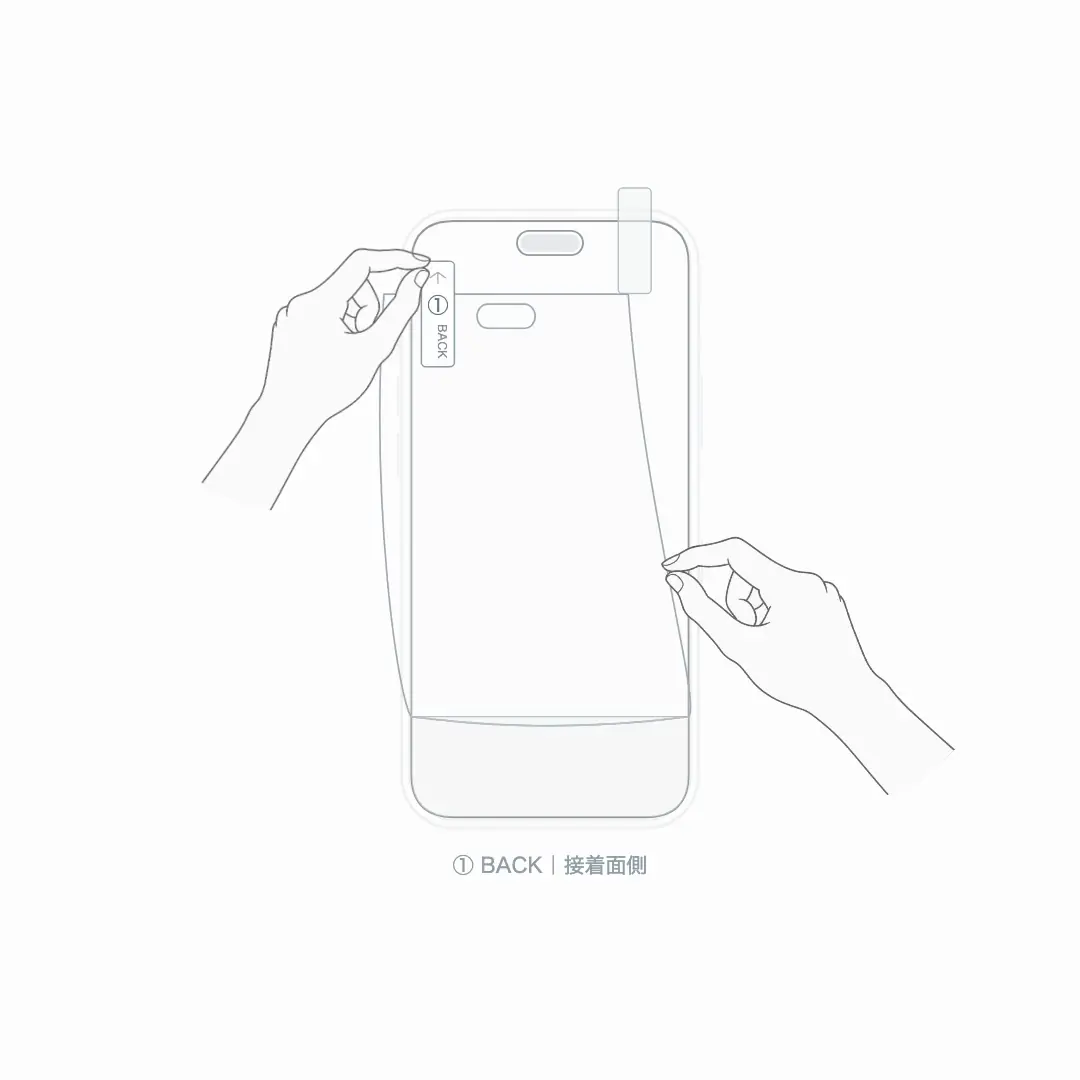
Hold the film by the ① BACK tab and carefully peel off the liner on the adhesive side. Then turn the film front side up.
-
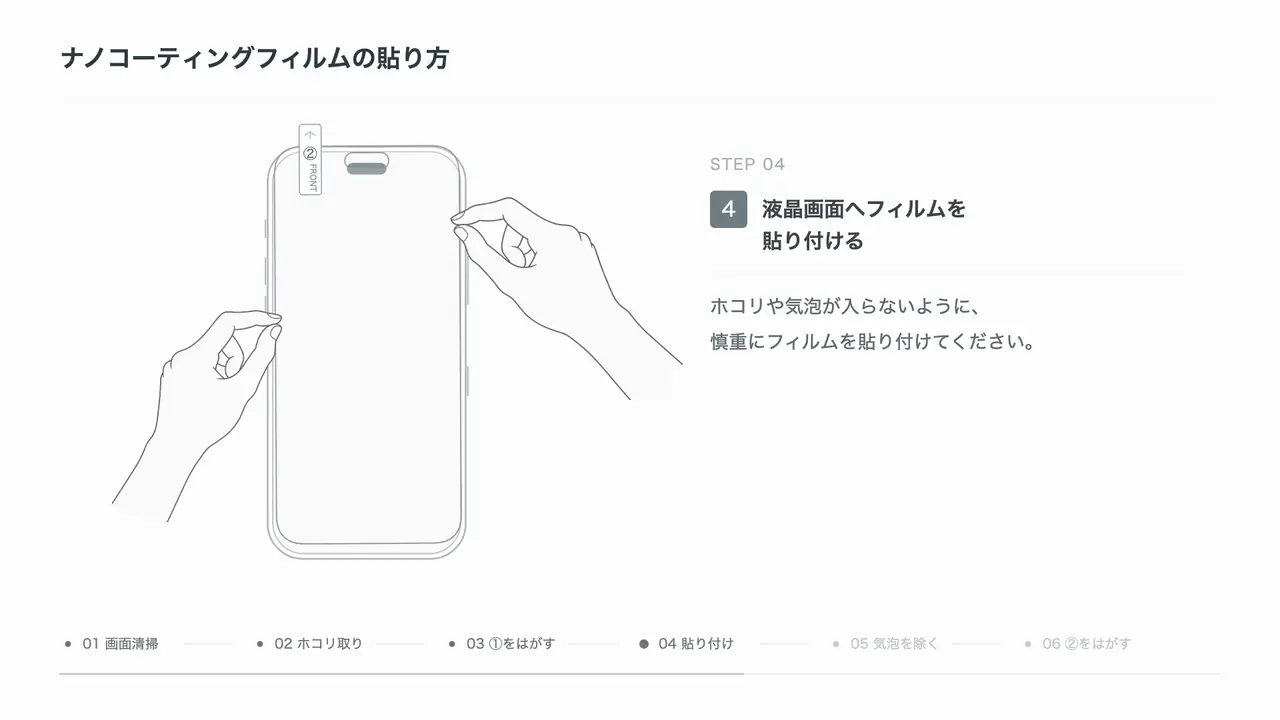
STEP 04 / 06
Align and apply the film
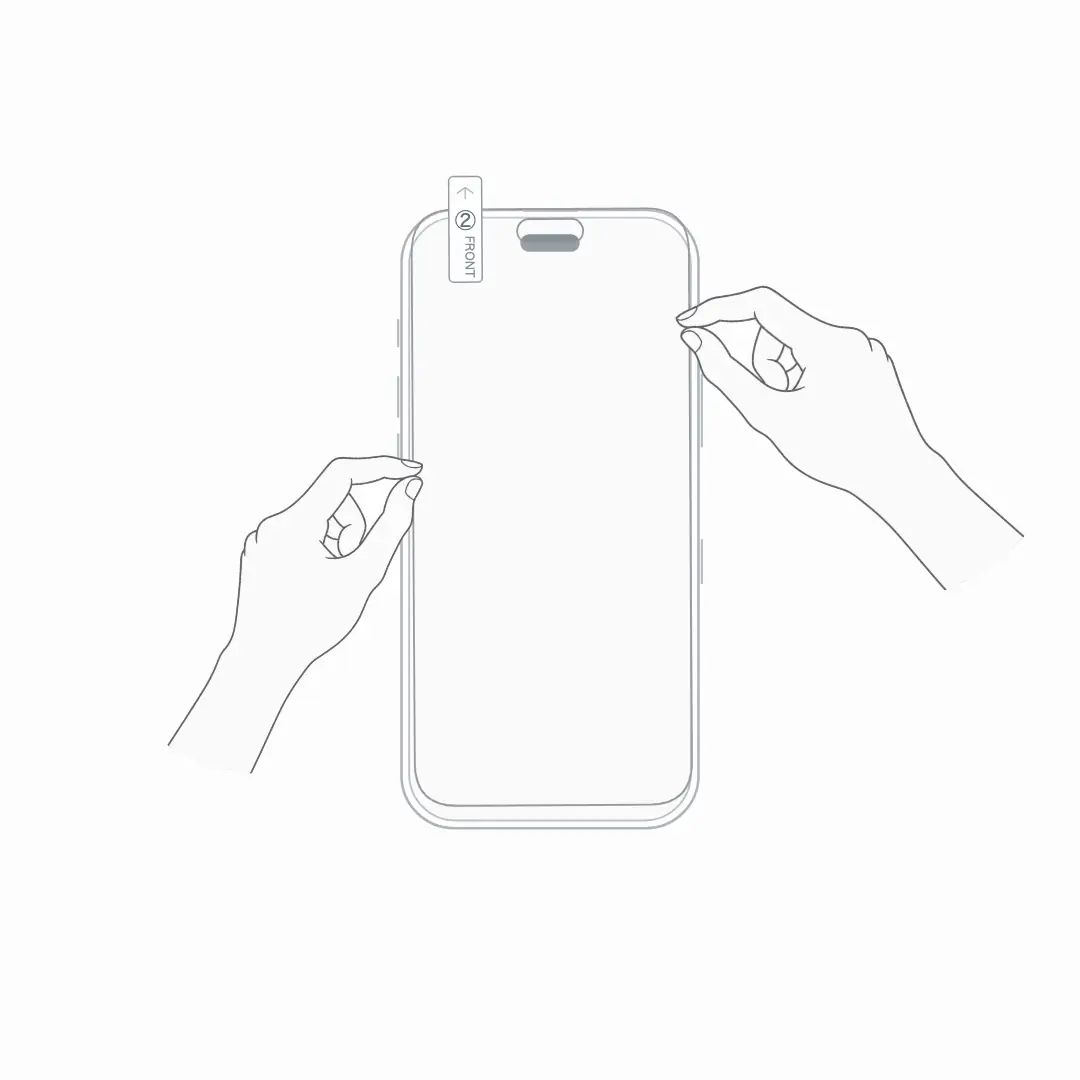
Line the film up with the earpiece, speaker and front camera, then lay it down carefully so no dust or bubbles get underneath.
-
STEP 05 / 06
Push out bubbles with the card
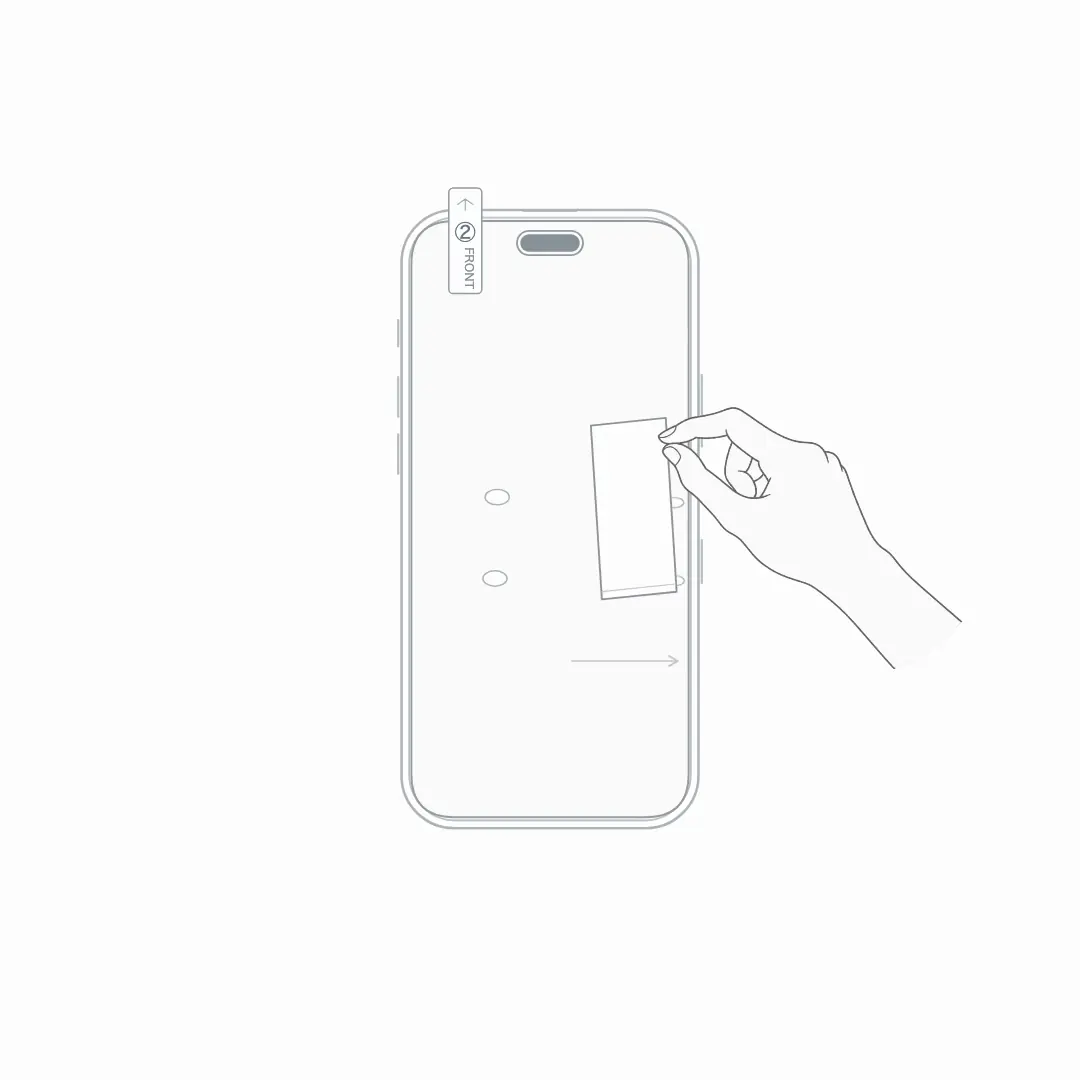
Using the included squeegee card, gently push bubbles from the center toward the edges.
Caution: Pressing hard can scratch the screen. Use light pressure.
-
STEP 06 / 06
Peel off the outer layer
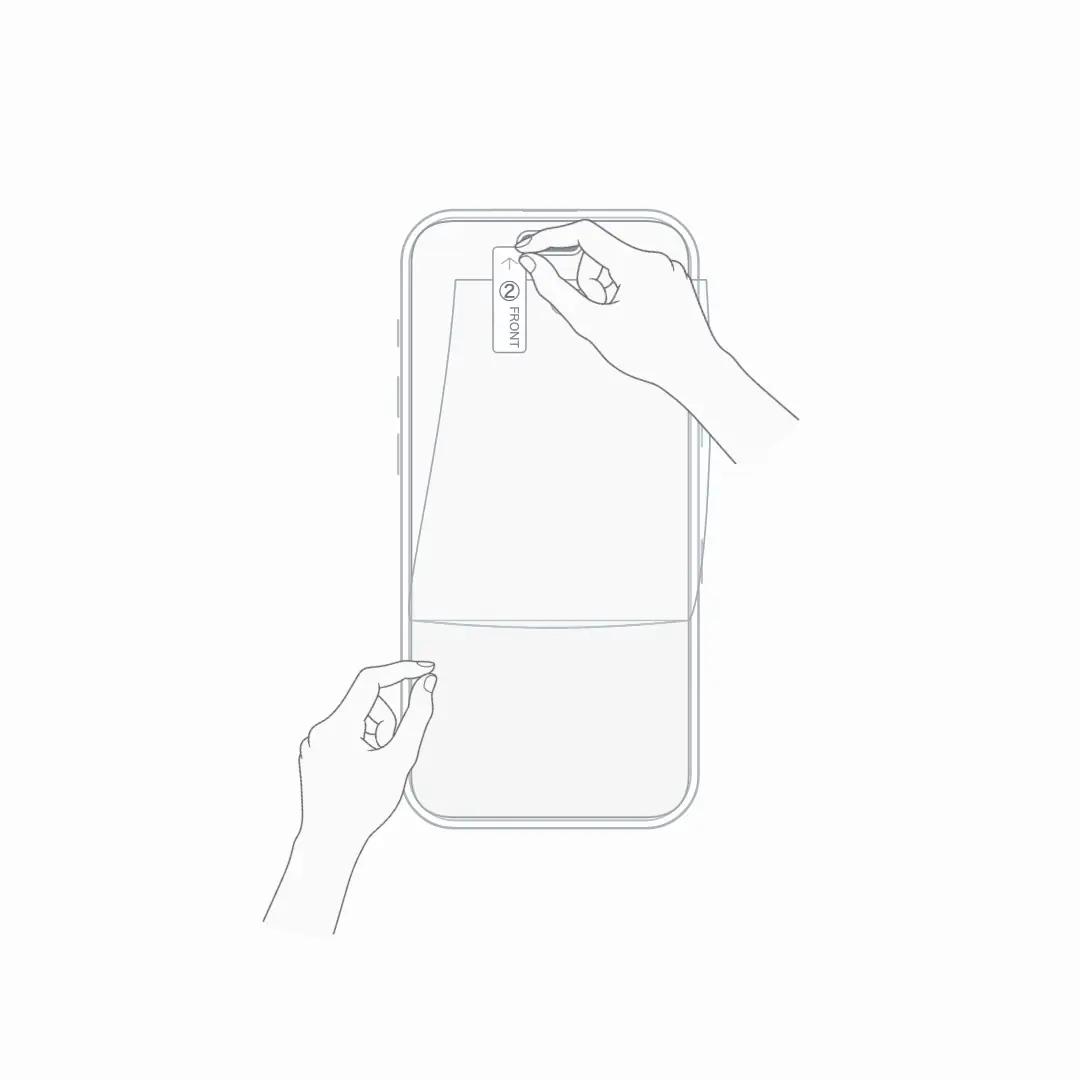
Pull the ② FRONT tab to peel off the outer protective layer.
Caution: Peel slowly so the applied film stays on the screen.
All done
Nice work!
FAQ
There are still bubbles under the film
Use the squeegee card to gently push them from the center toward the edges. Very small bubbles may become less noticeable over time. If a bubble will not move, there may be dust trapped underneath.
Dust got under the film
Stick a guide sticker to the edge of the film and lift it slowly. Remove the dust from the adhesive side with the dust absorber, then lay the film back down. Avoid touching the adhesive side with your fingers.
The film is misaligned
Right after applying, you can slowly lift the edge and reposition it. Each lift makes it easier for dust to get in, so try to line it up in as few attempts as possible.
The edges of the film are lifting
Press the edges gently outward with the squeegee card. A phone case pressing on the film can also lift the edges, so remove your case and check.